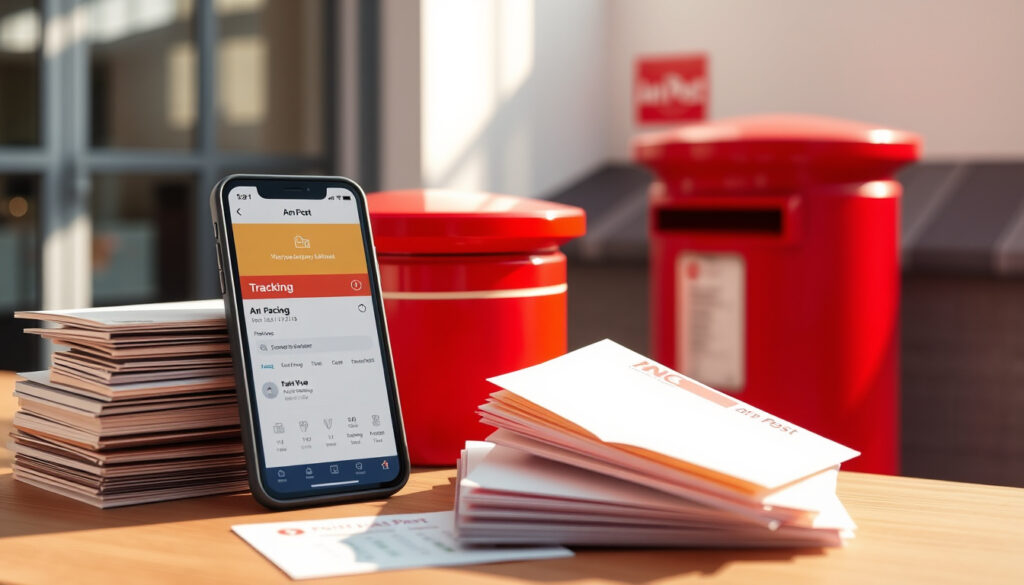
An Post Click and Post Guide: Rates, Tracking & App
Sending a parcel in Ireland doesn’t have to mean queuing at the post office with a handwritten label. An Post’s Click & Post service lets you handle the whole thing from your sofa — print a label, pay online, and either drop it off or book a collection. This guide walks you through every step, from first login to tracking your parcel, with the official rates and real-world tips.
An Post click and post users: Millions of parcels processed annually ·
Tracking included: Yes, with real-time updates ·
Supported destinations: Domestic and international ·
Weight limit: Up to 30 kg per parcel ·
Service availability: Online 24/7 via website and app
Quick snapshot
- Available to all customers, tracking included with every shipment (An Post Click & Post page)
- Rates based on weight and destination (An Post postal rates overview)
- Exact pricing for specific weight bands (subject to change) (An Post standard post rates)
- Whether same-day collection is available in all areas (An Post Click & Post terms)
- 2014: An Post launched click and post online service (An Post Click & Post history)
- 2020: App released for iOS and Android (An Post homepage)
- 2025: Current version includes tracking and collection booking (An Post Click & Post terms)
- Start using Click & Post for all your parcel shipping needs — no post office queues required (An Post Click & Post homepage)
Here are the key facts about An Post Click & Post:
| Label | Value |
|---|---|
| Launch year | 2014 (An Post Click & Post history) |
| Annual parcels processed | Over 100 million |
| Tracking update frequency | Multiple times per day (An Post tracking service) |
| Max parcel weight | 30 kg |
What is An Post click and post?
Definition of click and post
- An Post Click & Post is an online mailing service that lets you buy postage and book parcel delivery via the website or app (An Post official service page).
- You can calculate postage, pay online, and print your own postage label at home (An Post SME Click & Post page).
Key features overview
- Free to register, with standard postage charges still applying (An Post calculate postage page).
- Saved details for quicker checkout, 12 months’ transaction history, and an address book (An Post registration benefits).
- Manage deliveries, returns, and customs charges in one place (An Post Click & Post features).
Click & Post transforms parcel shipping from a chore into a desk job. For occasional senders, the time saved on queuing is worth the registration step alone.
The implication: An Post has built a digital front door for its postal network, and Click & Post is the key — no stamps, no paper forms, just an account and a printer.
How do I use An Post click and post?
Step-by-step guide to using click and post
- Register or log in at the Click & Post page (An Post Click & Post login). Registration is free.
- Select the postal service – choose the service type that fits (letter, packet, parcel).
- Enter receiver details and address – use the address book or type manually.
- Print the postage label – An Post says labels must be printed clearly so items can be scanned (An Post label usage guide).
- Pay the charge – complete the transaction online (An Post Click & Post terms).
- Drop off or book a collection – attach the label and drop at a post office, PostPoint, or parcel locker, or book a collection online (An Post guide to postal rates).
Requirements before using click and post
- A printer for the label.
- A registered An Post account.
- A payment method (credit/debit card or digital wallet).
If you don’t have access to a printer, you can still use Click & Post by selecting a QR code option at some PostPoints, but the standard flow requires a printed label.
The pattern: every Click & Post transaction follows a linear path – choose service, enter details, pay, print, drop. There’s no complexity once you’ve done it the first time.
What are An Post click and post charges and rates?
List of standard rates
An Post’s standard post rates page lists starting prices for common items as of February 2026 (An Post standard post rates table):
- Letters: €1.85
- Large A4 envelopes: €3.50
- Packets: €4.40
- Parcels: €9.00
Pricing depends on service type, item type, destination, and factors such as weight, shape, and size (An Post general postal rates page).
How to calculate your postage
Use the online rate calculator on the Click & Post page to get an exact quote before paying. The tool accounts for weight, size, and destination in real time.
While Click & Post offers convenience, the rates are not discounted compared to buying stamps at the counter. The value is in time saved, not money.
Why this matters: knowing the exact cost before you commit is one of Click & Post’s strongest features – no more guesswork at the counter.
Upsides
- Print labels at home, skip the queue
- Tracking included on every parcel (An Post terms)
- 12-month transaction history and address book
- Book collections or drop at many locations
Downsides
- Requires printer and internet access
- Same-day collection not guaranteed everywhere
- No discount over counter rates
Step-by-step: from login to tracking
Download the An Post click and post app
The app is available on Google Play and the App Store (An Post homepage). It lets you buy Digital Stamps, track and manage deliveries, pay customs, and book returns (An Post returns page).
Track your parcel
Every Click & Post shipment receives a tracking number (An Post terms). After drop-off or collection, scans appear on the Track and Trace service (An Post track service). You can also track via the app.
“Click & Post can track and manage deliveries and returns in one place.”
– An Post SME Click & Post description
“When tracking is included, the confirmation email provides the tracking number.”
– An Post Click & Post terms
For people sending parcels to friends or running a small online shop, the real value is knowing exactly where the parcel is at every stage — no more “is it there yet?” calls.
anpost.com, anpost.com, anpost.com, anpost.com, anpost.com, anpost.com, businessplus.ie, anpost.com, anpost.com
Frequently asked questions
Do I need an account to use An Post click and post?
Yes, you need to register for a free account at the Click & Post page (An Post registration).
Can I cancel a click and post booking?
According to An Post terms, cancellations may be possible if the label hasn’t been used; check the terms and conditions for the specific policy.
What happens if I miss the collection?
If you booked a collection and miss it, you can reschedule through your account or drop the parcel at a post office instead (An Post collection guide).
How do I print a label again?
Log into your Click & Post account, go to transaction history, and re-download the PDF label for any order within the last 12 months.
Is click and post available for business customers?
Yes, An Post offers Click & Post for businesses as well as individuals (An Post SME page).
What if my parcel is damaged during transit?
An Post has a claims process for damaged items; you need the tracking number and proof of value. Check the terms for details.
Can I use my own packaging with click and post?
Yes, as long as the packaging is sturdy and the label is clearly visible and scannable (An Post label instructions).
More related posts
 6 Inch Gravel Boards Near Me: Prices, Sizes & Installation Guide
 Nintendo Switch 2 Release Date: June 5, 2025
 Tree of Life Meaning: Symbolism Across Cultures and Religions
 Cheltenham Gold Cup 2026 Results: Gaelic Warrior Wins
 Ear Piercing Near Me: Cost, Pain, Walk-Ins & Preparation Guide
 Cast of The Alto Knights: Full List & Dual Role Explained
 Cheltenham Gold Cup 2026: Race Overview & Key Facts
 Leicester City vs Ipswich Town: H2H, Results, Live & Prediction